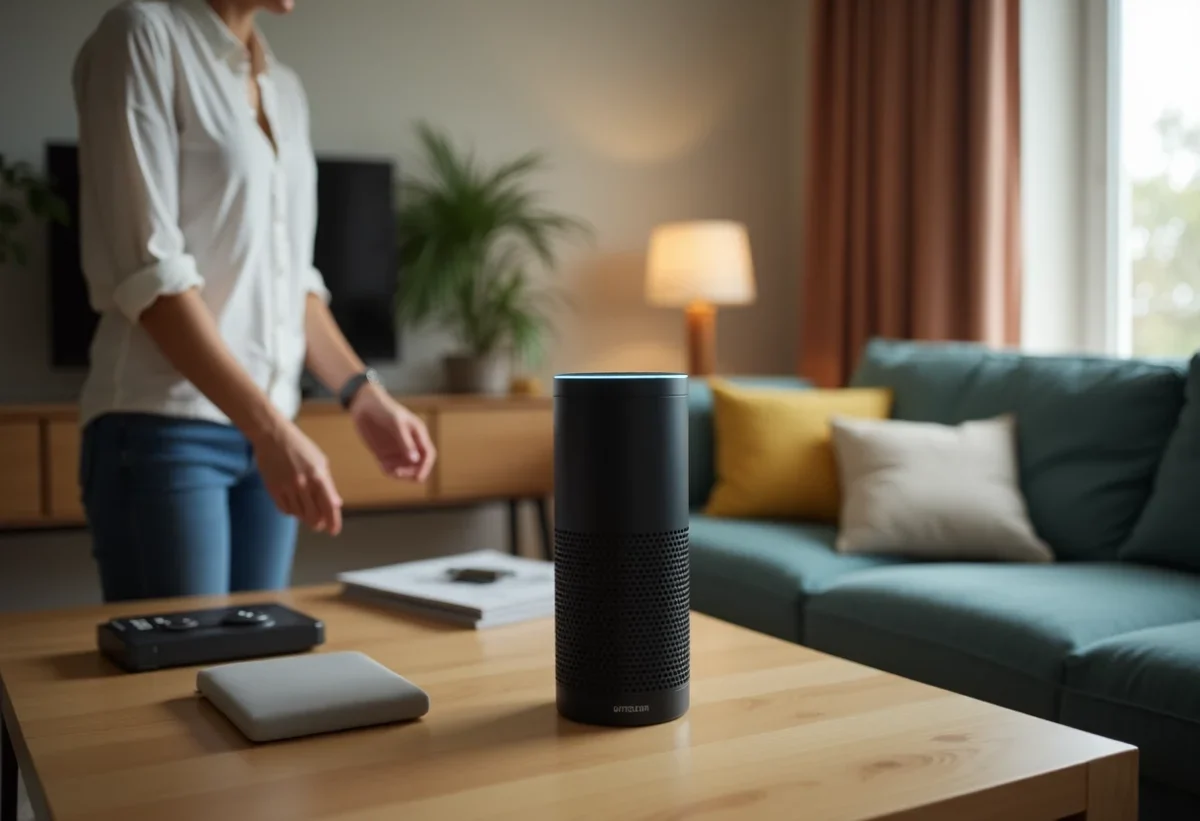
The voice assistant Alexa is increasingly making its way into our homes, facilitating the management of daily tasks and access to information. To make the most of this technology, it is essential to properly configure your device. The initial settings, often overlooked, can greatly influence the effectiveness and personalization of interactions.
Customizing commands, adjusting privacy settings, and discovering the most useful skills are all ways to optimize the user experience. With a few simple adjustments, Alexa can become a true asset in daily life, responding more accurately and relevantly to your needs.
Setting Up and Optimizing Your Alexa Voice Assistant
To optimally set up your Alexa voice assistant, start by connecting Alexa to WiFi. Open the Alexa app on your mobile device, then follow the instructions to add a new device. A stable connection is crucial to ensure smooth interaction with your voice assistant.
Customizing Your Settings
Use the Alexa app to adjust your assistant’s settings. Here are some adjustments to consider:
- Voice Recognition: train Alexa to recognize your voice and those of your household members for personalized responses.
- Privacy: manage privacy settings to control the data collected by Alexa.
- Skills: explore and enable various skills to enhance your assistant’s functionalities.
Optimizing Daily Use
For optimal use of Alexa, set up automated routines. For example, you can program the assistant to turn on the lights and play music when you arrive home. Link your favorite music services for simplified voice commands.
Connecting Alexa to WiFi is just the first step. For an enriched interaction, integrate music, voice automation, and artificial intelligence services. Naturally, natural language processing allows Alexa to understand and respond more naturally to user requests.
Voice recognition and voice automation, particularly through artificial intelligence, transform Alexa into a versatile and effective assistant. To maximize its usefulness, regularly customize and adjust your settings according to your evolving needs.
Advanced Tips for Optimal Use
To get the most out of your Alexa voice assistant, take advantage of the advanced features available. Here are some tips to transform your daily experience:
Smart Home Integration
Connect Alexa to your smart home devices for a truly connected home. Alexa can control lights, thermostats, and even security systems. To do this:
- Set Up Compatible Devices: use the Alexa app to add and sync your connected devices.
- Create Routines: schedule automatic actions based on your schedule or habits.
Improving Voice Recognition
The accuracy of voice recognition is fundamental. To optimize this feature:
- Train Alexa: in the app settings, go to ‘Voice Recognition’ and follow the steps to improve understanding of your voice.
- Set Up Voice Profiles: create profiles for each family member so that everyone receives personalized responses.
Using Skills
Skills enhance Alexa’s capabilities. Explore and enable skills that suit your needs. For example:
- Productivity Skills: manage your tasks, calendars, and reminders with dedicated skills.
- Entertainment: listen to podcasts, play games, and much more.
Utilizing Security Features
For secure use, configure privacy options. Access the settings in the Alexa app and adjust data controls according to your preferences.
The market for voice assistants is rapidly expanding, with Alexa standing out for its capabilities and flexibility. In France, Alexa holds a significant share of this market, illustrating the growing enthusiasm for these technologies in households.